
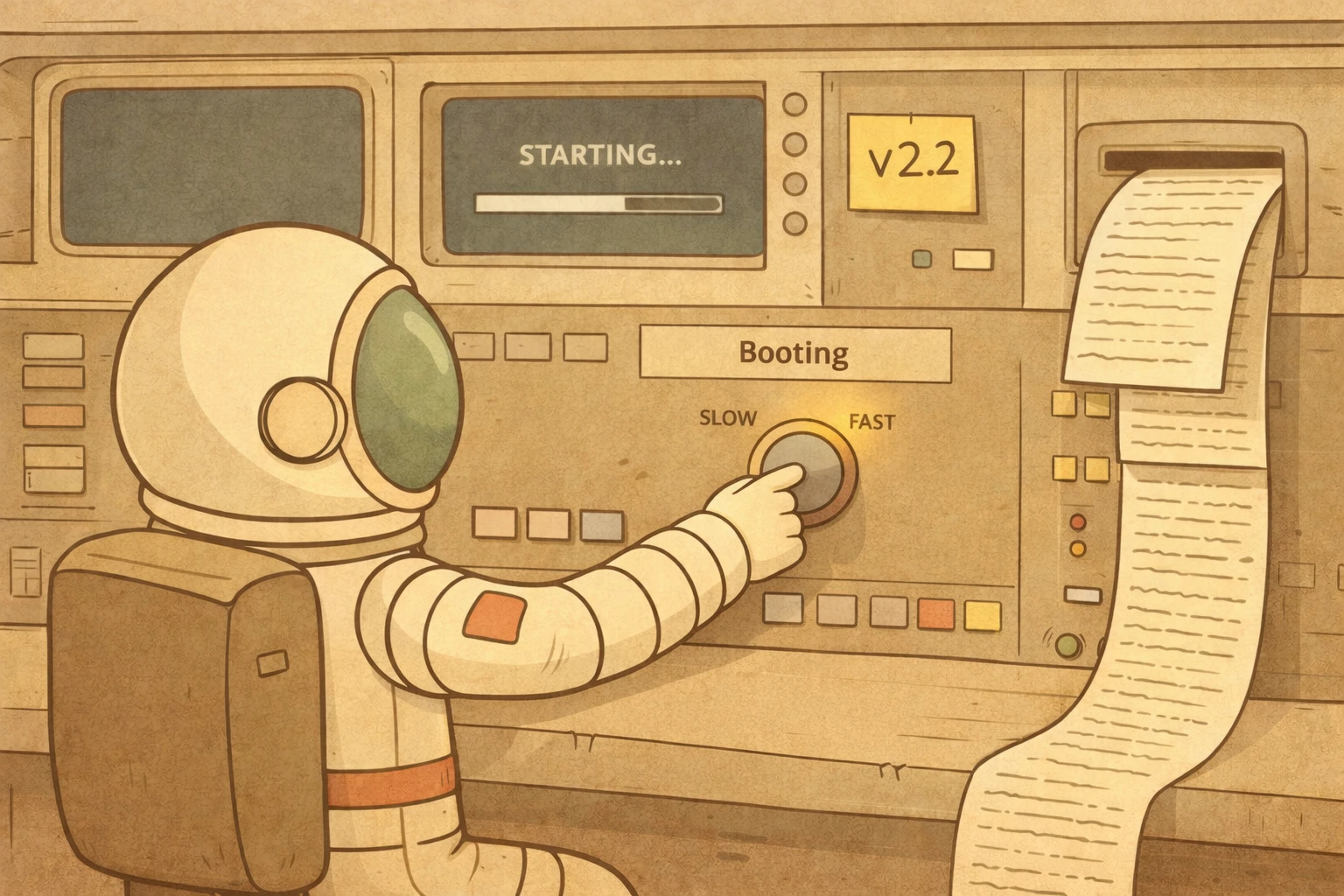

We just released Rover 2.2, with exciting new features. Rover is an open source tool for managing and automating coding agents such as Claude Code, OpenAI Codex, Gemini CLI, Copilot, and OpenCode. It makes agents (and humans!) more effective by providing structured workflows and tools to complete software-related tasks.
Rover is trivial to install and works great out of the box, but it is also highly customizable. You can build automations on top of it by creating your own workflows and connecting them to your projects.
This new release focuses on two areas:
- Faster task completions by caching sandbox images: Rover automatically saves sandbox snapshots to speed up the task initialization process. You will get faster results just by upgrading to this version.
- Understand and debug task sessions: Rover now stores a log from the internal process and all the agent session logs. It gives you the visibility you need to debug and improve your workflows.
This release also includes new changes contributed to the project. Thanks to our contributors, v2.2 includes:
- Centralized CLI
--jsonoutput types (by Fran): A single source of truth for all structured JSON output types across CLI commands, improving type safety and consistency.
You have the full changelog available on GitHub.
You can update Rover to this new version using the following command:
npm install -g @endorhq/rover@latestFaster sandbox initialization
Rover runs AI agents inside containers to ensure isolation and reproducibility. Each time you create a new task, it prepares a sandbox by installing the required tools, setting up the agent CLI, configuring MCP servers, and running any init scripts defined in your project. This setup process is essential, but repeating it for every task adds unnecessary wait time, especially when the configuration hasn’t changed.
With v2.2, Rover automatically caches the fully initialized container image after the first run. On subsequent tasks with the same configuration, Rover skips the entire setup phase and starts directly from the cached image. The cache key is a hash of the project environment, so it is automatically invalidated whenever it changes.
The improvement is most noticeable for projects with heavy setup requirements. If your configuration installs several system packages, configures multiple MCP servers, or runs custom init scripts, you will see the biggest gains. No changes to your workflow are needed. Upgrade to v2.2 and Rover handles caching transparently.
See the container image caching guide for more details on how the caching mechanism works.
Understanding coding agent changes
When you rely on coding agents to develop software, understanding what happened inside a task is as important as the final result. Agent sessions contain valuable information: the reasoning behind decisions, which files were explored, what alternatives were considered, and where things went wrong.
Before v2.2, all session logs inside tasks were lost when the container was removed. You could see the final output, but the steps that led the agent to it were gone. Rover now collects structured logs from the internal workflow process and from the agent session itself. These logs are persisted on the host under the task directory, so you can check them even after deleting the container.
The logging system captures events at key points during execution:
- Workflow start and completion
- Individual step lifecycle
- Agent timeouts and recovery attempts
- Authentication errors
Each entry includes metadata like duration, token usage, and cost, giving you the visibility you need to debug failures and optimize your workflows.
In upcoming versions, you will be able to inspect and replay the full agent conversation directly from the collected logs.
To make these logs easier to explore, we built Capsule, an open source interactive viewer for agent sessions. Instead of reading raw log files, you can visually step through the conversation, inspect tool calls, and understand how the agent arrived at each decision.
Join our community
We’d love to hear how you’re using Rover. Join our community:
- GitHub: github.com/endorhq/rover for issues and discussions
- Discord: Join our Spaceship server to chat with the team
Next steps
We’re excited about what’s coming next. We want to start providing out-of-the-box automations for your projects, from issue triage and contextualization to a full development process.
Follow us on X, Mastodon, or Bluesky to stay up to date.
Happy coding with Rover!
Ready to boost your AI coding agents?
Check out Rover on GitHub and the documentation to get started