

We just released Rover 2.1, with exciting new features. Rover is an open source tool for managing and automating coding agents such as Claude Code, OpenAI Codex, Gemini CLI, and from today, Copilot and OpenCode. It makes agents (and humans!) more effective by providing structured workflows and tools to complete software-related tasks.
Rover is trivial to install and works great out of the box, but it is also highly customizable. You can build automations on top of it by creating your own workflows and connecting them to your projects.
This new major release focuses on three areas:
- Support for Copilot and OpenCode: Use GitHub Copilot and OpenCode as AI coding agents in Rover, expanding the ecosystem to seven supported agents.
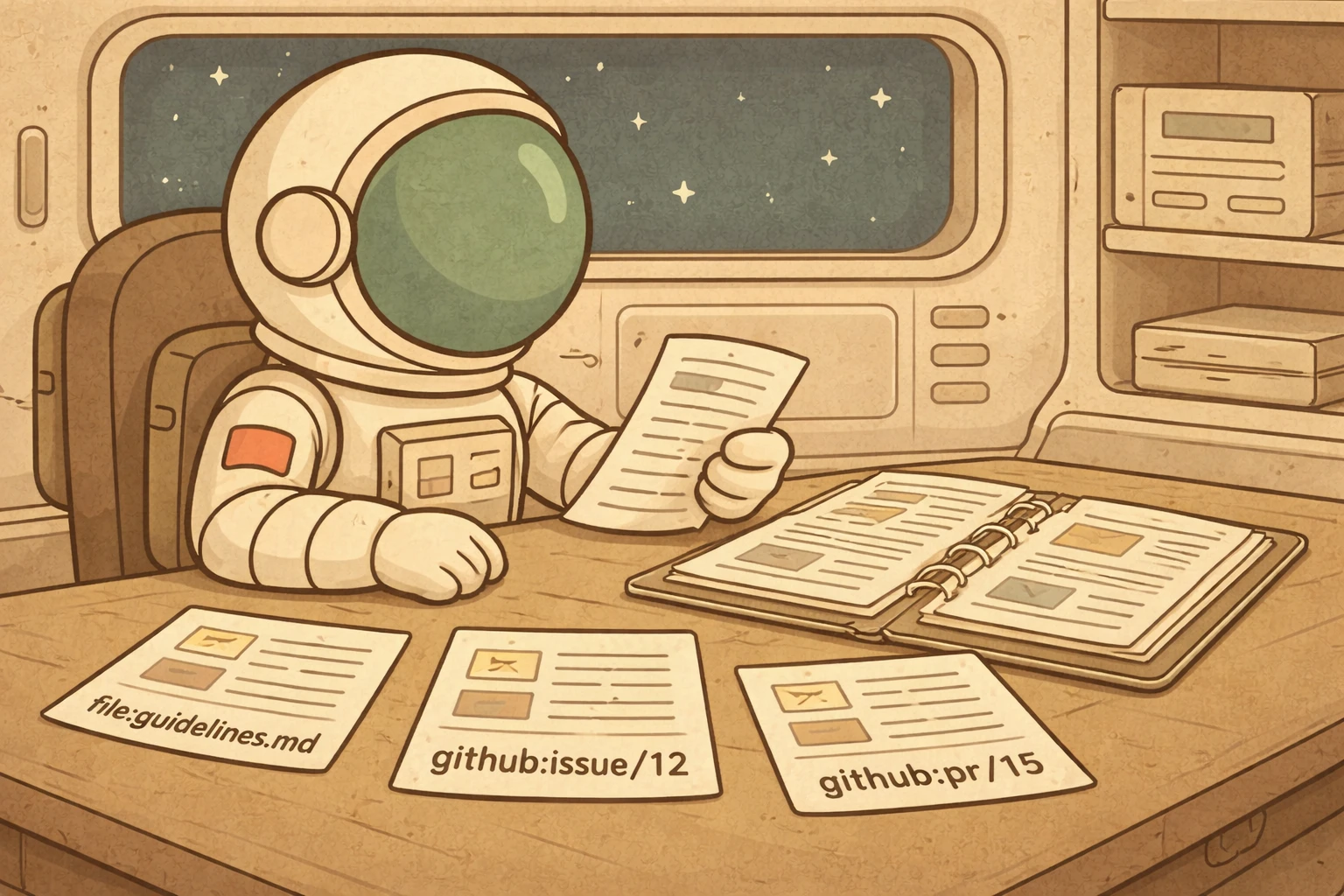
- Provide more context to tasks: The new
--contextflag enriches tasks with GitHub issues, pull requests, local files, and web resources so agents have the information they need. - New agent image based on Debian: Better compatibility with AI agent tooling by switching the sandbox base image from Alpine to Debian.
This release also includes several new features contributed to the project. Thanks to our contributors, v2.1 includes:
--agentflag on iterate (by Ben): Switch to a different agent or model during task iterations- Agent information in inspect output (by Ben): See which agent and model is assigned to each task
--jsonflag for diff (by Ben): Machine-readable output for building automations on top ofrover diff- And several other fixes
You can update Rover to this new version using the following command:
npm install -g @endorhq/rover@latestMore agents, more flexibility
Each AI coding agent has its own strengths. Claude tends to adhere closely to existing patterns, Codex often seeks more optimal solutions, and Gemini brings its own perspective to code generation. The best agent for a task depends on the task itself.
With Rover, you don’t need to choose just one. You can switch between agents without changing the way you work, and even compare their outputs side by side. This release adds two new agents: GitHub Copilot and OpenCode.
GitHub Copilot is a popular AI coding tool. It supports a wide range of models including GPT, Claude, and Gemini variants, and integrates deeply with GitHub’s ecosystem. With Rover, you can now leverage Copilot from the command line while keeping the structured workflows that produce consistent results.
OpenCode is an open-source AI coding assistant with an excellent developer experience. It supports multiple AI providers and offers a clean terminal interface. By adding it to Rover, developers who prefer open-source tooling can take full advantage of Rover’s task management, sandboxing, and workflows.
Both agents integrate through the Agent Client Protocol (ACP), the same protocol we adopted in v2.0. This shared protocol is what makes adding new agents straightforward, and you can expect more in the future.
Getting started is simple. Pass the --agent flag when creating a task:
rover task --agent copilot "Refactor the authentication module"
rover task --agent opencode "Add input validation to the API"
Thanks to Ben’s contribution, you can also switch between agents when iterating over a task using the --agent flag. This is useful when you want to escalate to a different model for a tricky follow-up or try a fresh perspective on remaining work:
rover iterate 1 --agent claude:opus "Fix the remaining edge cases"Rover now supports seven agents: Claude Code, OpenAI Codex, Gemini CLI, Cursor, Qwen, GitHub Copilot, and OpenCode. Run rover init to see which ones are available on your machine.
Provide the right context to your tasks
A task description tells the agent what to do, but context helps them with how to do it. Without the right context, agents are left guessing about requirements, constraints, and prior decisions. The result is often code that works but doesn’t quite match what you had in mind.
Rover v2.1 introduces the --context flag, which lets you attach external sources of information to any task. These sources are fetched, stored alongside the task, and passed directly to the agent before it begins working. The agent sees the full picture from the start.
Multiple source types
The --context flag accepts URIs pointing to different types of sources. You can combine as many as you need.
GitHub issues and pull requests provide requirements, discussions, and existing code changes. Reference them directly by number:
rover task --context github:issue/42 "Implement the feature described in this issue"
rover task --context github:pr/88 "Review and address the feedback in this PR"
Local files like design documents, architecture notes, or internal guidelines can be attached from your filesystem:
rover task --context file:../common/docs/api-spec.md "Build the API following this specification"HTTPS resources let you pull in external documentation, API specifications, or any publicly accessible text content:
rover task --context https://example.com/openapi.json "Generate a client for this API"You can combine multiple sources in a single task. For example, point the agent to a GitHub issue for requirements, a local file for coding guidelines, and an external API specification all at once:
rover task
  --context github:issue/42
  --context file:./CONTRIBUTING.md
  --context https://api.example.com/spec.json
  "Implement the feature following our guidelines"
Trust model for comments
GitHub issues and pull requests often contain comments from multiple people. In public repositories, some of those comments might include misleading or adversarial content that could affect the agent’s behavior. Rover addresses this with a trust model that controls which comments are included as context.
By default, no comments are passed to the agent. You can expand this by specifying trusted authors:
rover task
  --context github:issue/42
  --context-trust-authors "alice,bob"
  "Implement based on the discussion"
For private repositories or fully trusted teams, you can include all comments:
rover task --context github:issue/42 --context-trust-all-authors "Fix the reported bug"Context across iterations
Context persists across iterations. Sources added in the first iteration are automatically inherited by subsequent ones, so the agent always has the full picture. You can also introduce new context when iterating:
rover iterate 1
  --context https://docs.example.com/updated-spec.json
  "Update the implementation to match the new specification"
Rover tracks the provenance of each context entry, recording when it was added and whether it was refreshed in a later iteration. This makes it easy to understand what information the agent had at each step.
See the context guide to learn more about providing context to your tasks.
Moving to Debian
Rover runs AI agents inside containers to provide isolation and better reproducibility. Until now, these containers used Alpine Linux as the base image. Alpine is lightweight and fast, but it uses musl instead of glibc, which caused compatibility issues with some AI agent tooling. Certain agents, like Cursor, required glibc to function properly. While Cursor has since resolved this on their end, the move to Debian reduces this class of compatibility issues for all current and future agents.
With v2.1, we switched the agent base image to Debian. Debian provides native glibc support along with a rich package ecosystem, eliminating the compatibility workarounds we previously needed. This change is transparent to you as a user since it only affects the internal container image where agents run.
We also updated the Package-Manager MCP server to support Debian’s apt package manager in addition to Alpine’s apk. Agents can continue installing system packages inside the sandbox as before, now using Debian’s extensive repository of packages.
Join our community
We’d love to hear how you’re using Rover. Join our community:
- GitHub: github.com/endorhq/rover for issues and discussions
- Discord: Join our Spaceship server to chat with the team
Next steps
We’re excited about what’s coming next. Our roadmap includes more integrations for building automations, more workflow capabilities, and easier ways to connect your repositories to local AI agents.
Follow us on X, Mastodon, or Bluesky to stay up to date.
Happy coding with Rover!
Ready to boost your AI coding agents?
Check out Rover on GitHub and the documentation to get started