
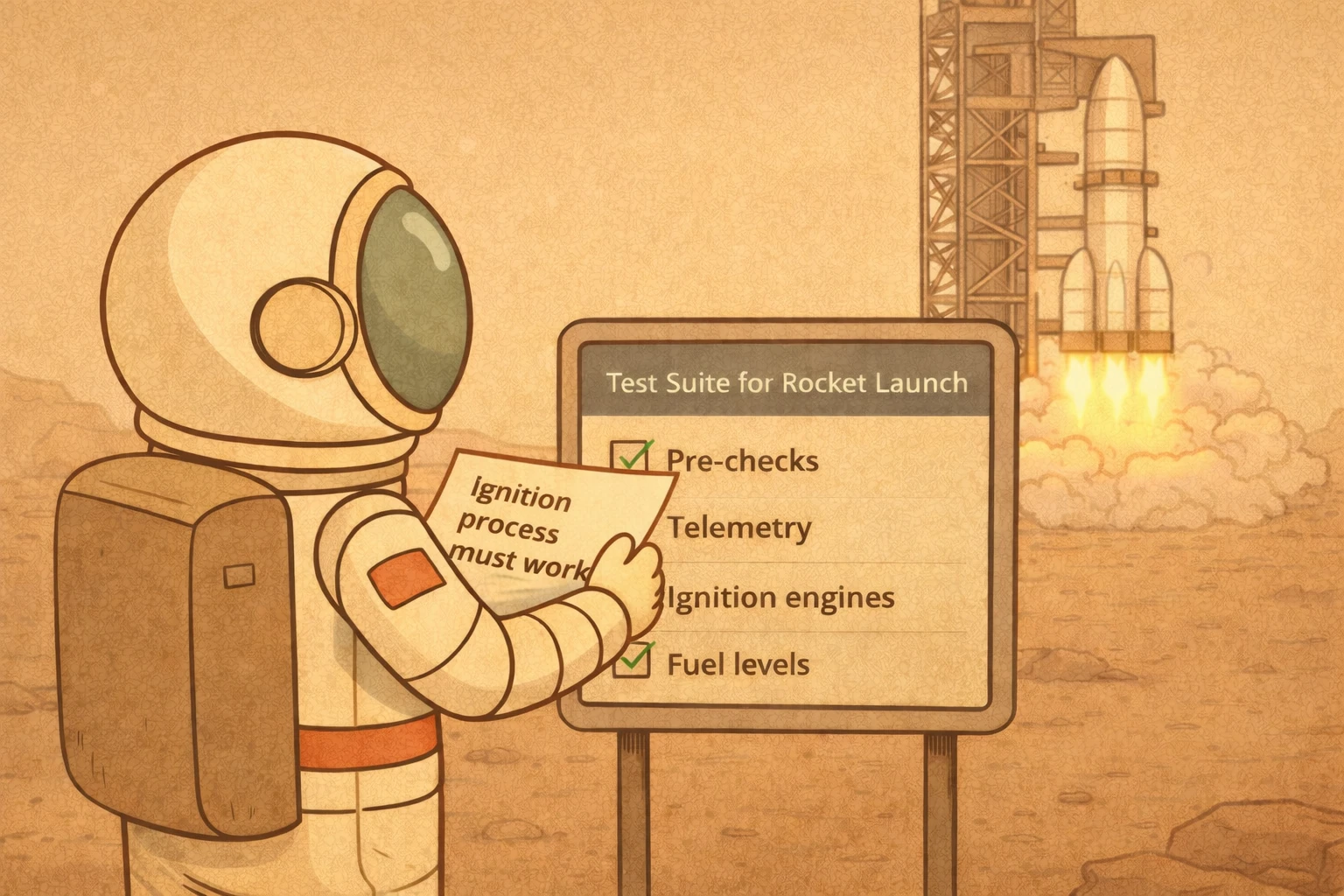

Software development is changing fast. AI agents now write, refactor, and debug most of the written code. In the past, writing code required a lot of time and planning. With AI agents, the cost of implementing has dropped dramatically. A lot of the code we maintain doesn’t need to be hand-written anymore.
With that shift, the weights in the development lifecycle changed. Writing code is cheaper, but integrating it into a product, testing it, and keeping it stable becomes harder.
We already noticed it in projects like Rover, and that’s why we decided to build Flightplanner, our test assistant framework.
The thankless code
If you’ve worked on any non-trivial project, you know the testing pyramid: many unit tests at the base, fewer integration tests in the middle, and a small number of end-to-end (E2E) tests at the top. The conventional wisdom is to minimize your E2E tests and focus them on high-value user journeys: the checkout flow, the signup process, the core workflows that matter most. There’s no point in duplicating at the E2E level what your unit and integration tests already cover.
But precisely because you have so few of them, the E2E tests you do write need to be correct, maintained, and aligned with what the product actually does. And that’s where the trouble starts.
E2E tests are expensive to write, slow to run, and painful to maintain. Yet they are the only tests that validate your product from the user’s perspective, the only ones that tell you whether the whole system holds together.
Nobody celebrates a well-maintained E2E suite. But everyone notices when it’s missing, usually after something breaks in production.
What if the spec was the source of truth?
Here’s the insight behind Flightplanner: what if instead of maintaining brittle test code, you maintained a human-readable specification of how your product should behave?
If you’ve written user stories before, this will feel familiar: short descriptions of functionality from the user’s perspective, like “As a logged-in user, I can add items to my cart and proceed to checkout.” They’re great for capturing requirements in a way that product, QA, and engineering can all understand. But they typically live in a ticket tracker, disconnected from the code.
Flightplanner’s specs are similar in spirit (they describe product behavior from the user’s perspective) but they live in the repository, right next to the code, and they are structured enough for an agent to turn them into real, runnable tests.
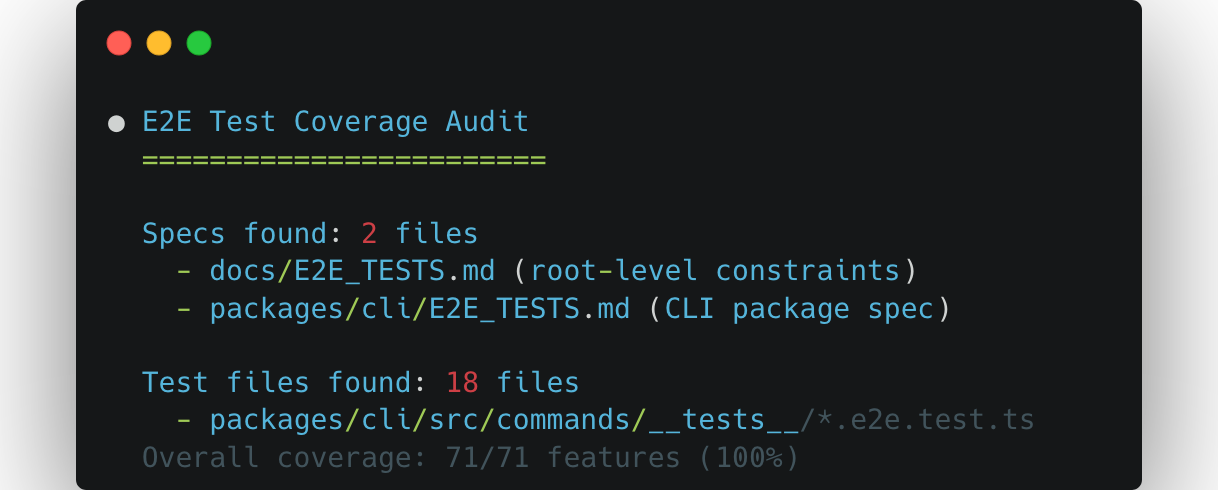
An E2E spec written in plain language is:
- Documentation: it tells anyone on the team what the product does
- A product contract: it bridges the gap between product thinking and engineering, much like user stories do, but without leaving the codebase
- A testable artifact: an agent can read it and generate the actual test code
The spec describes what to test from the user’s perspective. The test code becomes a generated artifact, something an agent can write and rewrite whenever the framework changes, the UI shifts, or a new feature lands. The intent stays human. The implementation becomes automated.
This also changes how you debug failures. When a test breaks, you can trace it back to a specific behavior described in plain language in the spec: “Displays the dashboard after login” rather than trying to reverse-engineer what expect(page.locator('.dashboard-header')).toBeVisible() was supposed to mean.
Introducing Flightplanner
Flightplanner implements this idea. It’s an open-source set of skills that provides AI coding agents with spec-driven E2E testing workflows. You describe your product’s behavior in E2E_TESTS.md files, and agents generate, update, and maintain the actual test code from those specs.
A spec looks like this:
## User Authentication

### Preconditions
- The application is running on localhost
- A test user exists in the database

### Features

#### Log in with valid credentials
<!-- category: core -->
- Displays the dashboard after login
- Shows the user's name in the navigation bar

#### Log in with invalid password
<!-- category: error -->
- Displays an error message
- Does not redirect away from the login page

### Postconditions
- No test sessions remain in the database
Each bullet is a concrete, verifiable assertion. Each feature maps to a test case. The spec is the single source of truth: when specs and tests disagree, the spec wins.
Want to see real examples? Here are specs from projects already using Flightplanner:
How it works
Flightplanner provides a set of skills that agents can use:
| Skill | What it does |
|---|---|
fp-init | Bootstrap specs by analyzing your source code and release history |
fp-update | Generate or sync tests when specs change |
fp-fix | Fix failing tests (never touches the specs) |
fp-audit | Analyze gaps between your codebase and the specs |
The workflow is straightforward: write what your product should do, then let the agent handle the test code. When you add a feature, update the spec and run fp-update. When a test breaks after a code change, run fp-fix. When you want to find gaps between your codebase and the specs, run fp-audit.
Get Started
Flightplanner works with any test framework: Playwright, Cypress, Vitest, pytest, whatever your project uses. It also works with any AI coding agent. You can install it as a Claude Code plugin, use it via skills.sh with any agent, or just copy the skill files manually:
# With any agent via skills.sh
npx skills add -s '*' -a '*' endorhq/flightplanner

# As a Claude Code plugin
/plugin marketplace add endorhq/flightplanner
/plugin install flightplanner-skills
Or let your agent install it for you. Just give it this prompt:
Follow the installation instructions at
`https://raw.githubusercontent.com/endorhq/flightplanner/refs/heads/main/README.md`
based on the available tools in your system and the agents in which you
want to enable `flightplanner` for. Ignore the `Agentic` installation instructions.
The shift
The cost of writing software has shifted. Writing code is cheaper, but maintaining it is a different story. Flightplanner lets you focus on what your product should do and leaves the how to test it to agents that can generate, regenerate, and fix test code as your product evolves.
We’ve been using it on our own projects and it has changed how we think about E2E testing. We hope it does the same for you.
Check out the Flightplanner repository to get started, and join us on Discord or X if you have questions or feedback.
Try Flightplanner
Star Flightplanner on GitHub and check the README to get started